email follow-up
When to Follow Up Email: A Polite Method
Learn when to follow up email messages, what to write from your phone, and when to stop so clients can reply without feeling pressured.
 Mailamber Team11 min read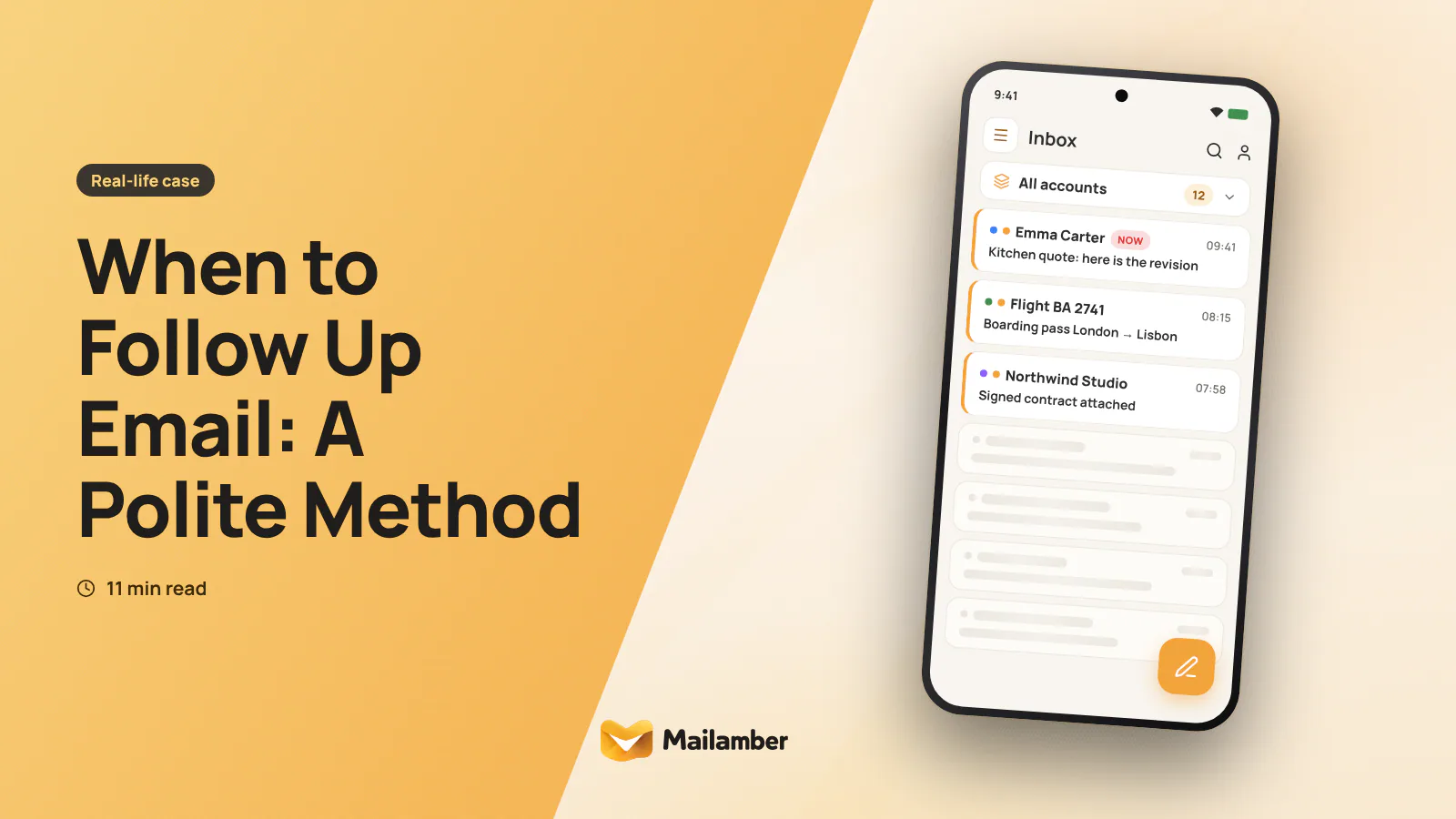
On Monday morning, freelance designer Maya checks her inbox and finds no reply to an important project proposal. An email follow-up is a brief, useful message sent after a reasonable wait to clarify the next step, offer context or close the loop without pressuring the recipient. This guide follows Maya through one week and gives you a simple method for deciding when to follow up on an email from a computer or phone.
A Monday without replies: the real cost of waiting or chasing
Maya sent a proposal to Alex, the operations manager at a small food company, on Thursday afternoon. The proposal included two design options, a price, and a suggested start date.
By Monday, Alex had not replied. Maya could do one of three things:
- Send a quick “Just checking in” message.
- Leave the thread alone and hope for an answer.
- Review the request and send a short message that makes the next step easier.
The first option may feel productive, but it adds little for the recipient. The second avoids pressure but leaves Maya unsure about her schedule. The third creates a useful reason to write again.
There is no universal waiting period. A routine professional request often deserves two or three business days. A genuine deadline may justify a shorter interval. An application, proposal or introduction may need longer.
Count the recipient’s likely working time, not just the hours since you sent the message. A note sent late on Friday may not be seen until Monday or Tuesday. An early Monday reminder can arrive before the recipient has had a reasonable chance to read the original.
Maya decides not to write first thing on Monday. She blocks out a reminder for Tuesday morning and moves on to client work.
The freelancer’s follow-up rule: add context before asking again
Before sending a reminder, Maya asks three questions:
- What is the situation? Did anything change since the original email?
- What would help Alex decide? Is there a missing detail or simpler choice?
- What exact response does Maya need? A date, approval, correction or call?
Her original message asked Alex to choose between two design directions. The proposal was clear, but the reply still required opening the attachment and comparing the options.
Maya’s follow-up adds a small piece of context. She summarises the decision in the email and offers a simple response:
Hi Alex,
I’m following up on the packaging proposal I sent on Thursday. Option A keeps the current label size; Option B gives the product name more space.
Would you let me know which direction feels closer to your needs by Thursday? A reply with “A”, “B” or “not decided” is fine for now.
Best,
Maya
This is more useful than “Did you see my email?” It reminds Alex why the message matters and makes a short reply possible.
A follow-up does not always need new information. It can also improve the original request by removing extra questions, attaching the missing file or clarifying a date. The important change is that the second message should make progress easier.
A simple decision path
- Check the context: review the thread, deadline and recipient.
- Add value: clarify a detail, offer a choice or include a missing link.
- Choose a reasonable interval based on urgency and working days.
- Send one clear question with the action or date you need.
- Set a stopping point before you send the message.
The stopping point matters. Without one, a follow-up can become a habit rather than a decision. Maya decides that if Alex does not reply by the following Tuesday, she will close the request.
One week, three messages: choosing the right moment
Maya’s week gives her a practical pattern. It is not a fixed rule for every situation. It is a way to match timing and content.
Tuesday: the first follow-up
Maya sends her first follow-up after the original Thursday email. She keeps the same subject line and replies in the existing thread. That preserves the proposal, attachment and previous context.
The message contains one question. It does not ask whether Alex is “still interested”, because that can sound like a demand for reassurance. It asks which design direction is closer to the company’s needs.
If timing is important, use a real date. “Could you reply by Thursday?” is clearer than “when you have a moment”. Only include a deadline that matters to your own schedule or to the work.
Friday: add an option, not another nudge
Alex has not replied by Friday. Maya does not send another message immediately. She checks whether the deadline is real and whether she has something useful to add.
She needs to reserve production time the following week, so a decision would help. She sends a second and final decision-focused message:
Hi Alex,
One practical update: I can hold either design direction for a Monday start, but I would need your choice by Tuesday afternoon. If the project is not ready, no problem — I can release the slot and revisit it later.
Should I hold the slot, or close this for now?
Best,
Maya
The message gives Alex two reasonable paths. It also makes the consequence clear without pretending that the situation is urgent for Alex. Maya is genuinely prepared to release the slot.
The following Tuesday: close the loop
No reply arrives. Maya closes the request:
Hi Alex,
I haven’t heard back, so I’ll close this request for now and release the proposed start date. If the packaging project becomes a priority later, feel free to reply here and we can review the options again.
Best,
Maya
This is not a final attempt to provoke guilt. It is an accurate update. Maya now knows what to do with her time, and Alex can return to the thread later without being criticised.
For a routine request, one reminder and one closing note may be enough. A live project, invoice or agreed deliverable may need a different process. Use the relationship, responsibility and deadline to decide. Do not treat a number of messages as a universal standard.
Writing the follow-up on a phone without making it longer
On Wednesday, a separate client replies to Maya while she is travelling by train. The client needs a confirmation about a logo proof. Maya has her phone, but not her laptop.
Writing on a phone can make a short email grow longer. It is easy to add explanations because the screen makes the thread harder to scan. Use a small structure instead:
- Open the existing thread.
- Read the latest message before drafting.
- State the topic in one line.
- Ask one question.
- Add only the detail needed to answer.
- Check the recipient, date and attachment.
- Send, then set the next reminder.
A phone-friendly draft might look like this:
Hi Sam,
Following up on the logo proof. Could you confirm whether version 2 is approved for Friday’s print file?
If not, please send any changes by Thursday at 12:00.
Thanks,
Maya
Before sending, Maya checks whether “Thursday at 12:00” includes the correct time zone and whether the file is actually attached. A concise email still needs a careful final check.
You can also save a reusable email structure, but do not send the same words without checking the context. A template should provide a starting point, not replace judgement. For more help with subjects, see these email subject line rules.
A phone is useful for a follow-up when the message needs only one decision. If the thread includes several attachments, sensitive information or a complex change, wait until you can review it properly on a larger screen.
A reminder for when nobody replies helps Maya remember her own next step. It does not turn the recipient’s inbox into a schedule she can control. Mailamber includes follow-up reminders when nobody replies, and its Android app supports follow-up, snooze and templates; see the PC and phone guide for using the same account across devices.
When to stop, close the loop or try another channel
Silence can mean many things. The recipient may be busy, unsure, unable to approve the request or no longer interested. You cannot identify the reason from silence alone.
After one or two useful messages, choose one of three paths.
Stop and archive
Stop when the request is low priority, there is no real deadline or further contact would add pressure. Archive a note for yourself if you may need the context later.
Close the loop
Send a short closing message when you need to release time, cancel a reservation or record a decision. Say what you will do, and make sure you will actually do it.
Avoid phrases such as “I assume you are ignoring this” or “This is my last warning”. A stopping point should sound like an administrative update, not a punishment.
Try another channel
A phone call, chat message or meeting request may be appropriate when the matter is time-sensitive and you already have a legitimate reason to use that channel. Keep it brief and refer to the email:
Hi Alex, I sent a note about the production slot. No need to reply here if email is easier — I just need to know whether to hold Monday.
Do not move across channels simply to get around a person’s lack of response. Respect their preferred contact method and any boundaries they have set.
Using reminders instead of relying on memory
Maya does not keep follow-up dates in her head. After each message, she records:
- The date she sent it.
- The response or decision needed.
- Any real deadline.
- The next date to review the thread.
- The point at which she will stop.
This takes less time than repeatedly reopening the inbox to check whether a reply has arrived. It also prevents two common problems: forgetting a useful follow-up and sending one because the thread feels unfinished.
A weekly review can be enough for non-urgent work. During the review, sort messages into three groups:
- Reply now: the next action is clear.
- Follow up later: there is a reasonable date and purpose.
- Close: the request is no longer active.
If you work from both a computer and a phone, choose a reminder method that appears in the place where you normally handle email. A system that only works on one device is easy to miss when your working day moves between locations.
Common mistakes that make a follow-up feel insistent
Sending daily nudges
Daily “Any news?” messages create pressure without adding information. If the request is genuinely urgent, explain the reason and the consequence. Otherwise, allow enough working time.
Asking several questions at once
A long list makes the reply feel like another task. Group related decisions only when the recipient can answer them together. Otherwise, ask for the single response that unlocks the next step.
Pretending a deadline is urgent
A made-up deadline is not a useful deadline. Use a date because of a real booking, delivery, meeting or work commitment.
Changing the subject unnecessarily
Keep the same thread when the topic has not changed. A new subject removes context and may make the recipient wonder whether this is a separate request.
Treating an open as a reply
An email may be opened without being read carefully, and privacy settings can affect open indicators. An open is not agreement, interest or a promise to respond. Focus on the clarity of your message rather than trying to interpret a signal.
Sending from the wrong account or with a missing file
This is especially easy on a phone. Before sending, check the From address, recipient, thread, link and attachment. A short checklist prevents a second correction email.
The reusable method from Maya’s week
The method is simple:
- Wait a reasonable amount of time.
- Review the original request.
- Add context or remove friction.
- Ask one clear question.
- Use a real date if timing matters.
- Set the next reminder.
- Stop or close the loop when you said you would.
This balances persistence with respect. It also separates two things that are often confused: managing your own work and managing another person’s attention.
If a client replies, the sequence ends. If they do not, you still have a clear record of what happened and what you will do next. That is the useful outcome of a good follow-up system.
FAQ
When should I follow up on a routine professional email?
Two or three business days is a reasonable starting point for many routine requests. Adjust for weekends, public holidays, the recipient’s time zone and any genuine deadline.
How many follow-up emails should I send?
Start with one useful reminder. If the matter still needs a decision, send one closing message or final follow-up after a longer interval. More messages may be justified for an active project, but daily nudges are rarely helpful.
What should I write if the recipient has not replied?
Refer to the earlier message, add any useful context and ask for one specific action. Make the reply easy with a choice, a short confirmation or a real date.
Is it better to follow up by phone?
Use another channel only when it is appropriate and you have a legitimate reason. A short call or message can help with a genuine deadline, but it should not be used to pressure someone who has chosen not to respond.
Should I send a final email saying I will close the request?
Yes, when you are genuinely going to stop work, release a booking or archive the request. State what you will do and leave a simple way for the person to return later.
email follow-upfreelancersemail timingproductivity
Newsletter
One calm email, every two weeks.
One email every two weeks: Mailamber news, guides on email and privacy, practical tips. No spam. Unsubscribe in one click.

Check your inbox
We’ve sent a confirmation link to . One click and you’re in.
Can’t find it? Take a look in your spam or Promotions tab.
Still nothing after a few minutes? Subscribe again with the same address and we’ll resend the link.

Read also
Official Mailamber guides on the same topic
- Follow-up reminders when nobody repliesHow to have Mailamber remind you to follow up on an unanswered email after 24, 48 or 72 hours or a custom time, and how the reminder clears itself.
- Tracking Pro: link click tracking and unlimited trackingWhat Mailamber’s Tracking Pro add-on includes (link clicks, unlimited tracked emails and follow-ups), how much it costs, and how to turn it on and off.
- How to block a sender and unsubscribe from newslettersBlock a sender in one click, manage your blocked list and unsubscribe from newsletters with Mailamber on your PC and on Android.