pec
PEC Mistakes Professionals Can Avoid: A Checklist
Avoid PEC mistakes professionals often make with a practical checklist for recipients, attachments, receipts, deadlines and evidence you may need later.
 Mailamber Team10 min read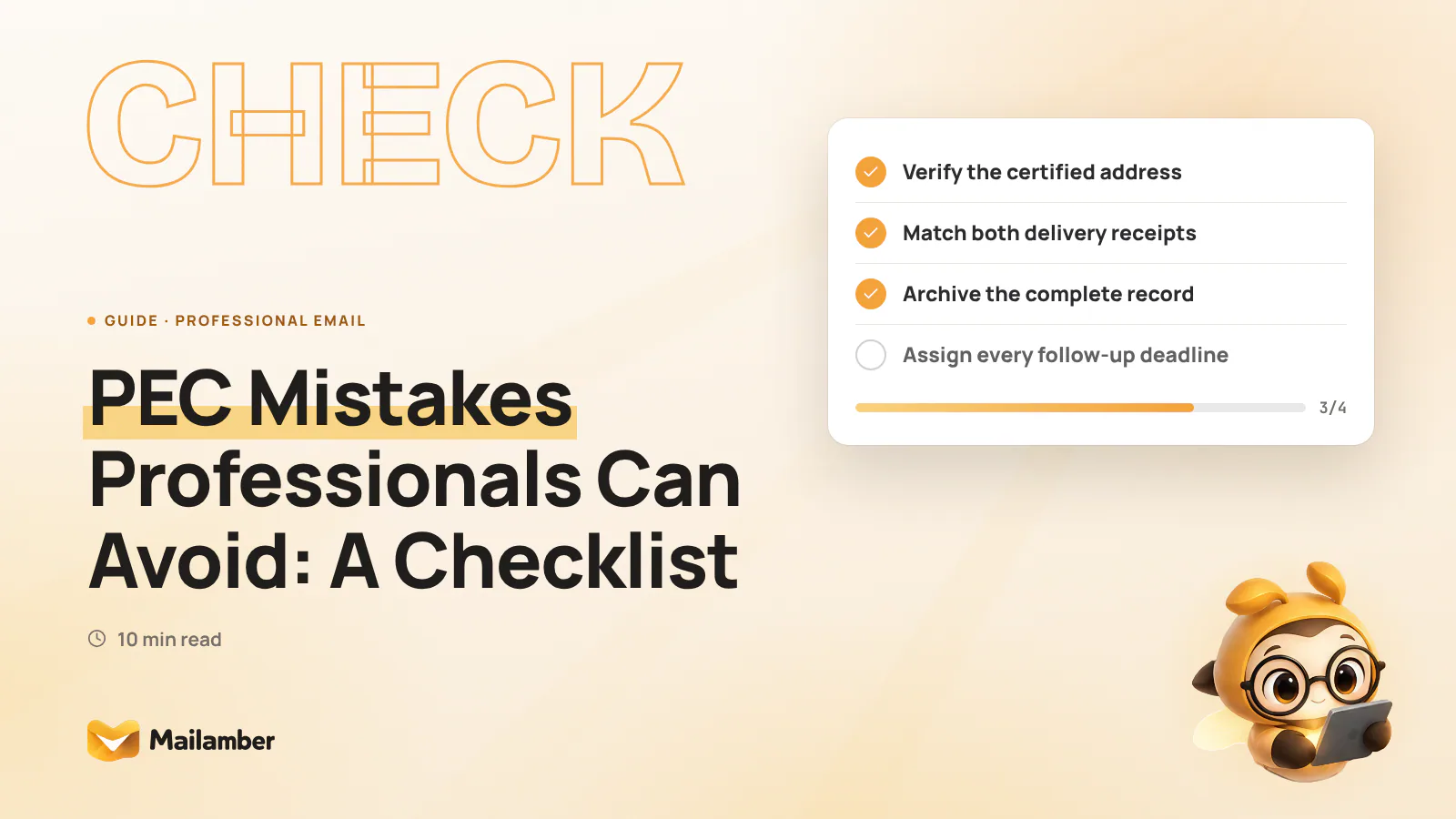
PEC is Italy’s certified email system, designed to create technical evidence about the sending and delivery of messages between certified mailboxes. This checklist gives professionals a repeatable routine for preparing, sending, checking and archiving important PEC communications.
PEC is not simply a more formal inbox. A message may relate to a notice, contract, invoice, tender submission, appointment or communication with a public authority. The record may matter later, so treat every important exchange as a small, traceable file.
You do not need to make every message complicated. Use the six control points below. Check the address, review the content, match the receipts, preserve the evidence, assign the next action and close the matter deliberately.
1. Confirm the recipient, address and purpose
Rule: Verify the current PEC address and the reason for writing before you draft the message.
Why it matters
A PEC message sent successfully to the wrong address is still the wrong message. Autocomplete may select an old mailbox, a similarly named company or a personal address instead of the organisation’s certified address.
Use a trusted source. Check the relevant public register, contract, official website, signed document or recent correspondence. If the recipient is a company, confirm whether the message belongs with the company’s certified address, a named professional or a specific department.
Also check the account you are sending from. A consultant may have a personal PEC, a firm mailbox and an address connected with a client or company role. The selected account affects the context of the communication and where replies will arrive.
If several people use the same mailbox, agree who may send formal communications. Set a simple address-verification rule for the team. The contacts and address book guide can help with duplicate entries and contact organisation.
Concrete example
You need to send a formal request to a contractor. Your address book contains office@... and office2@.... Compare both with the contractor’s latest official document before selecting one. Then confirm that the correct PEC mailbox is active.
2. Check attachments, subject and required details
Rule: Review the final text and every attachment before sending, as if another person had to rely on the message.
Why it matters
PEC can provide evidence about transmission and delivery. It does not prove that the wording is complete, the sender has authority, the attachment is correct or the required procedure has been followed.
Attachments cause many avoidable errors. A file may be missing, unreadable, unsigned, outdated or intended for another client. A draft or unrelated confidential document may also remain in the attachment list.
Use this pre-send check:
- Make the subject specific to the matter.
- State the requested action clearly.
- Open the final version of every attachment.
- Check each file name, date, recipient and version.
- Confirm that every file mentioned is attached.
- Remove drafts, duplicates and unrelated material.
- Check whether a digital signature or other formal requirement applies.
- Confirm that the files meet any size or format requirement.
- Review the To, Cc and Bcc fields once more.
For practical help with separate composer windows and attachments, see the composer guide. A clearer workspace can support the review, but it cannot replace it.
Concrete example
You send a quotation and a technical specification to a client. The message says that two documents are attached, but only the quotation is present. Open the final files, compare their names with the message and remove any earlier draft before sending.
Data protection duties still apply to certified email. Include only the personal information needed for the purpose, and check whether every recipient needs every attachment. The GDPR text is the official European reference for data protection obligations.
3. Read and match the PEC receipts
Rule: Treat the acceptance receipt and delivery receipt as separate checkpoints, then keep them with the message.
Why it matters
A typical PEC exchange produces an acceptance receipt from the sender’s provider and a delivery receipt connected with the recipient’s provider. They relate to different stages of the transmission.
An acceptance receipt alone is not the same as a delivery receipt. Keeping only the sent message, or only one automated notice, leaves the record incomplete. Do not delete system messages because they look repetitive or technical.
A delivery receipt also needs careful interpretation. It records a certified delivery event in the system. It does not automatically prove that a person read the message, understood it, agreed with it or completed the requested action.
If a receipt does not arrive as expected, investigate. Check the original message, provider notifications and recipient address. For an important deadline, ask the responsible professional or provider what action is appropriate rather than assuming that the message arrived.
The AgID guidance on PEC provides official background on Italy’s certified email system.
Concrete example
You send a formal notice at 10:15. The acceptance receipt arrives first, followed by the delivery receipt. Save both with the original message and its attachments. If the delivery notice reports an error, record the reason and escalate the matter according to your procedure.
Read receipts are different from PEC receipts. A read receipt may indicate that an ordinary email was opened, but opening is not guaranteed and it does not replace certified delivery evidence.
4. Avoid the common PEC mistakes
Rule: Do not treat a successful send, a busy inbox or a printed copy as a complete record.
Why it matters
Most PEC errors are ordinary workflow errors. They happen when someone rushes, relies on autocomplete, forgets an attachment or leaves receipts mixed with unrelated notifications.
Watch for these patterns:
- Sending to an old or similar-looking PEC address.
- Choosing the wrong sending mailbox.
- Describing an attachment that is not attached.
- Sending an outdated, unsigned or incomplete file.
- Assuming acceptance means delivery.
- Treating delivery as proof that the message was read.
- Deleting automated receipts after a quick glance.
- Saving a PDF printout but not the original electronic record.
- Leaving a deadline in the inbox without assigning an owner.
- Forwarding confidential records to an uncontrolled personal account.
Each error has a simple preventive action. Verify the address from a trusted source. Open the attachments. Read both receipts. Store the original electronic messages. Turn every deadline into a named task.
Concrete example
A small consultancy sends a signed report and receives an acceptance receipt. The team marks the matter complete, but the delivery receipt later reports a problem caused by an invalid recipient address. A two-stage review would have prevented the mistake: check both receipts, then close the record only when the delivery status is understood.
5. Organise PEC evidence for future reference
Rule: Preserve the message, attachments, receipts and relevant context together in a controlled record.
Why it matters
A live inbox is not always a reliable archive. Storage limits, mailbox changes, access problems and unclear filing can separate a message from its receipts. Another authorised person should be able to understand what was sent, to whom, when, from which account and with which files.
Choose a structure that fits your work. You might organise records by:
- Client and matter.
- Project and year.
- Case and deadline.
- Contract or public procedure.
Use consistent names and dates. For example, a record might include the matter, communication date and short subject. Avoid unnecessary copies on personal devices, and restrict access to people who need it.
Keep the original electronic messages and receipts in the format supported by your provider and record-keeping process. A PDF can make reading easier, but a printout alone may not preserve all technical information.
A useful record may contain:
- The outgoing PEC message.
- The original attachments.
- The acceptance receipt.
- The delivery receipt.
- Replies that change the next action.
- A note naming the owner and deadline.
Retention is not identical for every message or profession. Contracts, tax rules, professional duties, procedural requirements and applicable law may all affect the appropriate period. Create a retention policy with qualified advice when the matter is significant.
Concrete example
For a building project, create one controlled folder or record for the formal exchange. Add the outgoing message, report, receipts, reply and task note. If a colleague takes over the project, they can reconstruct the communication without searching several inboxes.
6. Track deadlines and close the workflow
Rule: Turn every required response into one named task with one recorded deadline.
Why it matters
A PEC inbox can be monitored carefully and still fail operationally. The usual gap is between receiving a message and deciding who will act. “Someone should reply” is not an owner, and a notification is not a task.
When you process an important message, record:
- The client, matter or procedure.
- The action required.
- The person responsible.
- The deadline and how it was calculated.
- Missing documents or approvals.
- An earlier internal review date.
- The evidence of the eventual reply.
Do not calculate a deadline simply from the time you opened the message. The relevant date may depend on the notice, delivery event, contract, public procedure or professional rule. If the consequence is significant, ask a qualified adviser to confirm the calculation.
A follow-up reminder is useful when a reply is expected but has not arrived. The follow-up reminder guide describes one way to keep unanswered conversations visible.
Concrete example
A client asks for a signed response within a stated period. Assign the matter to one person, record the source message, confirm how the period is calculated and set an earlier internal review date. When the response is sent, save its message and receipts with the incoming record.
For a team, add an escalation rule. If the owner is unavailable, a named colleague checks the task before the internal review date. This supports the workflow but does not replace legal advice.
- Verify the recipient and sending mailbox before composing.
- Review the subject, text, recipients and final attachments.
- Send, then check both the acceptance and delivery receipts.
- Store the message, receipts and attachments together.
- Assign the next action, owner and deadline.
- Save the response and close the record deliberately.
For professionals managing multiple mailboxes, Mailamber’s PEC acceptance and delivery receipt matching can associate both receipts with the sent message. It can help keep the evidence together, while you remain responsible for checking the address, content, deadline and retention requirements.
Printable PEC checklist
Save or print this short recap for everyday use:
- Verify the recipient’s current PEC address.
- Select the correct sending mailbox.
- Give the message a clear subject.
- State the requested action.
- Open and check every final attachment.
- Remove drafts, duplicates and unrelated files.
- Check signatures and procedural requirements.
- Save the acceptance receipt.
- Save the delivery receipt.
- Keep the message, receipts and attachments together.
- Record the owner and deadline.
- Save the reply and close the matter.
FAQ
Is PEC the same as ordinary email?
No. PEC is Italy’s certified email system and creates technical records about transmission and delivery between certified mailboxes. It should not be treated as interchangeable with ordinary email when a procedure, contract or authority requires certified communication.
Does a delivery receipt prove that the recipient read the message?
No. A delivery receipt documents a delivery event within the certified email system. It does not automatically prove that a person opened, understood or accepted the content.
What should I do if I receive acceptance but no delivery receipt?
Check the original message, recipient address and provider notifications. Record the missing receipt and contact the provider or responsible adviser if the communication is time-sensitive; acceptance alone should not be treated as confirmation of delivery.
How long should professionals keep PEC records?
There is no single retention period for every message and profession. The appropriate period can depend on the matter, contracts, tax rules, professional duties and applicable law, so document a policy with qualified advice.
Is storing messages in the PEC inbox enough?
Not always. An inbox may be affected by storage limits, access changes or unclear filing, and it may separate messages from their receipts. Keep a complete, controlled record that an authorised colleague can understand later.
pecprofessionalsemail checklistreceiptsrecord keeping
Newsletter
One calm email, every two weeks.
One email every two weeks: Mailamber news, guides on email and privacy, practical tips. No spam. Unsubscribe in one click.

Check your inbox
We’ve sent a confirmation link to . One click and you’re in.
Can’t find it? Take a look in your spam or Promotions tab.
Still nothing after a few minutes? Subscribe again with the same address and we’ll resend the link.

Read also
Official Mailamber guides on the same topic
- Read receipts: how to know if your email was openedHow to turn on tracking for a single message, what ✓ and ✓✓ mean, how to make it on by default, and how many tracked emails each plan includes.
- Safe attachments: the built-in antivirusHow Mailamber checks attachments before you open them, with local checks and Windows Defender, what the badges mean, and how the known-threat lookup works.
- Writing an email: separate windows and attachmentsHow to write with Mailamber’s composer, open messages in separate windows, attach files by dragging them in, use the HTML editor and manage drafts.